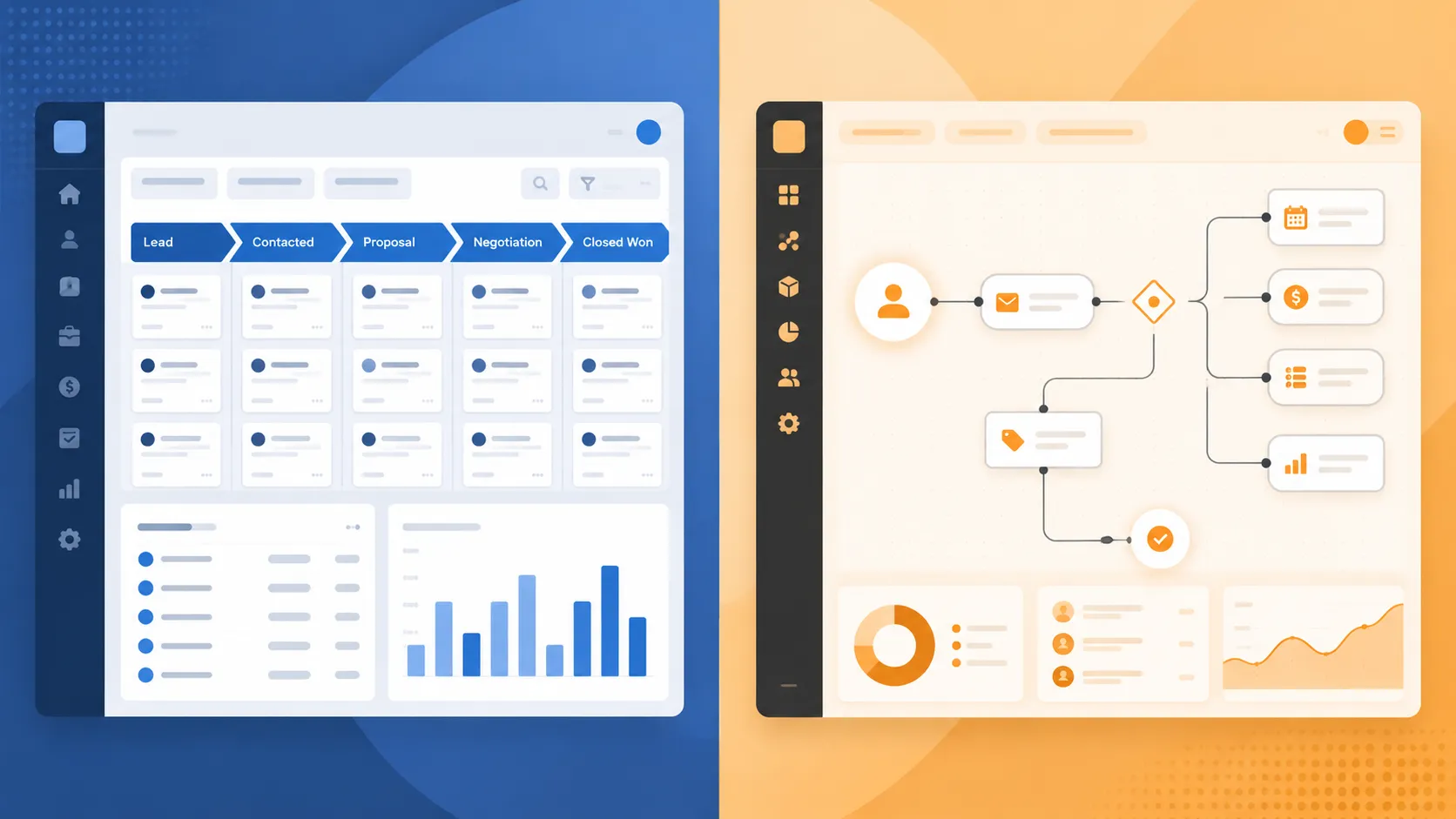
Why This Decision Matters More Than the Software Name
Every few months, a founder or ops lead comes to us with some version of the same story. They picked a CRM two years ago because it was the “safe” choice, everyone uses it, the sales team demoed it, the pricing page looked reasonable. Now half the team has quietly gone back to spreadsheets, the reports don’t match reality, and nobody trusts the pipeline numbers in the Monday meeting.
That story isn’t about a bad product. It’s about a workflow that never matched the tool.
At Altreonix, we build internal software and business systems for SMBs, so we sit on both sides of this conversation constantly: companies migrating away from CRMs that never fit, and companies trying to decide whether to buy one at all before they’ve outgrown a spreadsheet. This guide is our attempt to lay out that decision honestly, with real numbers, not a sales pitch dressed up as a comparison article.
We’re not going to tell you custom is always right. In a lot of cases, off-the-shelf is the correct call, and we’ll tell you exactly when. What we want to give you is a framework for figuring out where your business sits, because the cost of getting this decision wrong is measured in years of bad data, not just a wasted subscription.
What CRM Success Actually Looks Like
Before comparing “custom” and “off-the-shelf,” it helps to agree on what a CRM is actually for, because most implementations fail on this point before they fail on features.
A CRM succeeds when it meets three conditions:
- The team actually uses it without being forced to. Adoption is the real KPI, not feature count.
- The data in it is trustworthy enough to make decisions from. If your forecast is a guess dressed up as a dashboard, the CRM has failed regardless of what it cost.
- It maps to how your business actually operates, not to a generic sales funnel that assumes every company sells the same way.
Generic CRMs are built around a linear pipeline: lead, qualified, proposal, closed. That works well for a lot of B2B sales motions. It works badly for manufacturers tracking production-linked orders, logistics companies tracking shipments instead of deals, or professional services firms managing retainers and matter-level billing. We’ll come back to this in the industry section below, because it’s often the real reason a CRM starts to feel wrong even though nothing is technically broken.
The 2026 CRM Landscape, in Numbers
It’s worth grounding this in scale before getting into the build-vs-buy argument, because both sides of this debate are operating inside a market that’s growing fast and getting more automated at the same time.
| Metric | Figure |
|---|---|
| Global CRM market size (2026) | Roughly $98.8 billion, growing at close to 14% a year through 2030 |
| Companies with 10+ employees using a CRM | Around 91% |
| Reported CRM implementation failure rate | Estimated between 30% and 70% historically, with recent synthesis landing near 55% |
| Reported CRM ROI | Roughly $8.71 returned per $1 spent, with one HubSpot/IDC study reporting 505% ROI over three years |
| Custom CRM build cost range (2026) | Roughly $25,000 for a focused MVP to $300,000+ for an enterprise-grade build |
A few things jump out. CRM adoption is close to universal for businesses past a certain size, so “should we have a CRM” isn’t really the question anymore for most SMBs. Recent industry statistics roundups put the market size and adoption figures in this range, and the ROI research from HubSpot and IDC is frequently cited as evidence that CRM investment pays for itself quickly when done well.
The uncomfortable number in that table is the failure rate. Roughly half of CRM implementations don’t meet their objectives, and Johnny Grow’s 2025 synthesis of failure-rate research puts the figure at 55%, aggregating estimates from Gartner, Forrester, and other analyst firms over the past two decades. That failure rate is not primarily a software problem. It’s a strategy, adoption, and workflow-fit problem, and it applies whether you’re deploying Salesforce or building something from scratch. We’ll unpack why in a later section, because understanding the actual causes of failure is the difference between choosing correctly and choosing expensively.
Off-the-Shelf CRM: What It Does Well, and Where It Breaks
Platforms like Salesforce, HubSpot, Zoho, Microsoft Dynamics, and open-source options like SuiteCRM or Odoo exist because they solve a real problem well: getting a functioning CRM live in days instead of months.
Where off-the-shelf genuinely wins
- Speed to deployment. You can be tracking deals within a week.
- Predictable, low upfront cost. Per-seat pricing means no large capital outlay.
- Mature ecosystems. Pre-built integrations, app marketplaces, established support communities.
- Built-in AI features. Platforms like Salesforce (Einstein, Agentforce) and HubSpot are shipping AI-assisted forecasting, lead scoring, and content generation as standard features, not custom builds.
- Lower risk for standard sales motions. If your sales process looks like a textbook funnel, a generic CRM was designed for exactly that.
Where it starts to break down
The pattern we see across clients who eventually outgrow off-the-shelf tools is almost always the same:
- Customization hits a ceiling. Custom fields and workflows can only stretch a platform so far before you’re fighting the data model itself, not configuring it.
- Per-seat pricing compounds. A platform that looked affordable at 10 users can become a serious line item at 50 or 100, especially once you’re paying for enterprise tiers to unlock the automation or reporting you actually need.
- Integration friction. Connecting a generic CRM to ERP systems, production data, or industry-specific tools often means duplicate data entry, unreliable syncs, or expensive middleware.
- Workflow mismatch grows over time. The business changes, the CRM’s underlying assumptions about “a deal” don’t.
A recurring theme across comparisons of custom versus off-the-shelf CRM is that this isn’t a one-time decision. It’s a threshold. Off-the-shelf is usually correct at the start. The question is what happens once you hit that ceiling, and what it costs to keep pushing against it versus rebuilding around your actual workflow.
Custom CRM: What It Actually Buys You, and the Real Risks
A custom CRM is software built around your specific pipeline, your data model, your integrations, from the ground up rather than configured inside someone else’s platform.
What you’re actually paying for
- Workflow-native design. The system reflects how your team actually sells, delivers, or manages projects, instead of forcing your process into a generic pipeline.
- Deep integration. Native connections into ERP, production systems, accounting, or industry-specific tools without middleware workarounds.
- No per-seat tax. Cost doesn’t scale linearly with headcount the way subscription pricing does.
- Full data ownership. Your data lives in infrastructure you control, which matters for compliance-sensitive industries.
- Room to build AI in on your terms. Instead of waiting for a vendor’s AI roadmap, automation and AI features get designed around your actual data and processes.
The risks we’re upfront about
We won’t sugarcoat this part, because most articles on this topic do. Custom CRM comes with real risk if it’s scoped or delivered badly:
- Higher upfront investment. Realistic 2026 pricing runs from roughly $25,000 for a tightly scoped MVP up to $300,000+ for a complex, multi-department build, based on current custom CRM cost benchmarking.
- Longer time to first value, unless the build is deliberately phased.
- Dependency on the build partner’s quality. A poorly architected custom system is worse than a poorly configured off-the-shelf one, because there’s no vendor roadmap to fall back on.
- Ongoing maintenance is your responsibility, whether that’s in-house or contracted out.
This is exactly why we scope custom CRM work as fixed-price, fixed-scope engagements rather than open-ended builds. The risk in custom development isn’t the concept, it’s uncontrolled scope and vague requirements. Related reading on how we approach scoped internal tooling: seven website mistakes costing manufacturers RFQs covers a similar theme of generic tools failing to match how a specific industry actually operates.
Build vs Buy: A 5-Year Cost and Risk Comparison
Numbers matter more than opinions here. Below is a simplified 5-year comparison for a business scaling from 20 to 100 CRM users, comparing a mid-tier subscription CRM against a custom build with ongoing maintenance.
| Factor | Off-the-Shelf CRM | Custom CRM |
|---|---|---|
| Upfront cost | Low ($0–$5,000 setup) | Moderate to high ($25,000–$150,000+ for SMB scope) |
| Recurring cost | Per-seat, scales with headcount (often $50–$150/user/month at mid-tier) | Hosting and maintenance, largely headcount-independent |
| 5-year cost at 50 users (mid-tier pricing) | Frequently $150,000–$250,000+ cumulative | Build cost plus modest annual maintenance, often lower past year 3–4 |
| Time to deploy | Days to weeks | Weeks to a few months, depending on scope |
| Workflow fit | Configured, bounded by platform data model | Native, bounded only by requirements |
| Integration depth | Marketplace apps and APIs, some middleware needed | Direct, built for your specific stack |
| Scalability past initial scope | Limited by platform tier and licensing | Limited only by future development budget |
| AI/automation extensibility | Vendor-controlled roadmap | Fully controlled, built around your data |
The crossover point tends to arrive faster than people expect. Analysis comparing per-seat subscription costs against one-time build costs has shown enterprise-tier CRM licensing for a team of 25 running into the six figures over five years, well past what a comparably scoped custom build plus maintenance would cost over the same period. That doesn’t mean custom always wins on cost. It means the “custom is expensive” assumption only holds if you’re only counting the upfront number and ignoring the compounding subscription.
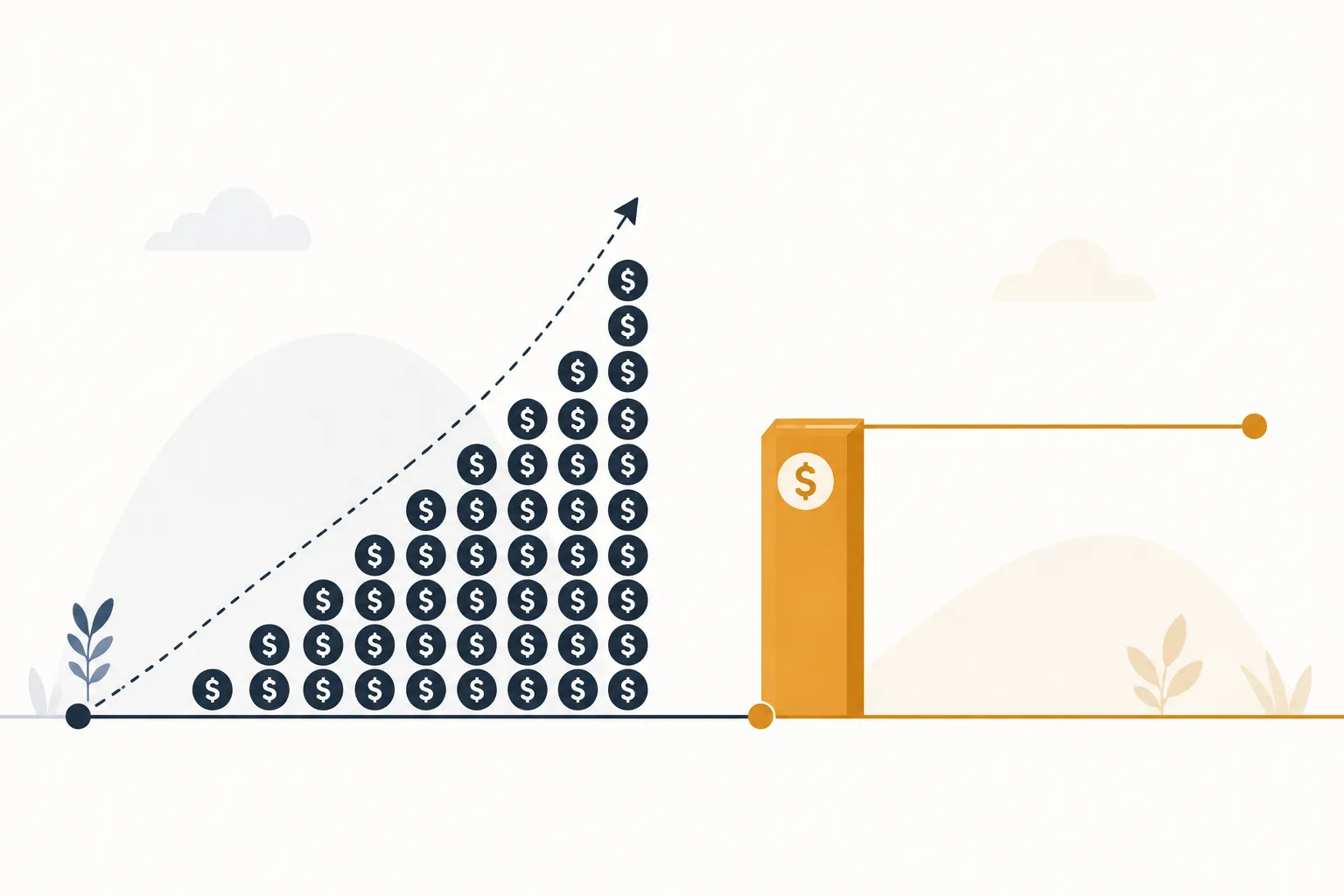 A rough rule of thumb we use with clients: below roughly 15-20 users with a standard sales process, off-the-shelf is almost always the right call. Above that, if your workflow diverges meaningfully from a generic pipeline, it’s worth running the 5-year numbers before renewing another annual contract.
The Hybrid Path: You Don’t Have to Choose All at Once
This is the part most comparison articles skip entirely, and it’s often the most practical answer for SMBs that aren’t ready for a full rebuild.
Instead of a binary choice, we frequently recommend a phased approach:
- Stay on the off-the-shelf platform for the parts of the workflow it handles well, usually core pipeline tracking and email/calendar integration.
- Build custom modules around the specific processes where the platform is straining, such as production-linked order tracking, tiered pricing logic, or compliance workflows.
- Connect them with purpose-built integration instead of generic no-code connectors, which tend to break under real data volume.
- Migrate fully to custom only when the hybrid model itself becomes the bottleneck rather than doing it preemptively.
This staged approach limits risk and lets you validate that custom development actually solves the problem before committing to a full replacement. It’s the same logic we apply to automation projects generally. Our post on event-based versus CRUD-based automation covers a related principle: the right architecture depends on how your data actually moves, not on which approach sounds more modern.
Industry Deep Dives: Why Generic CRM Assumptions Break
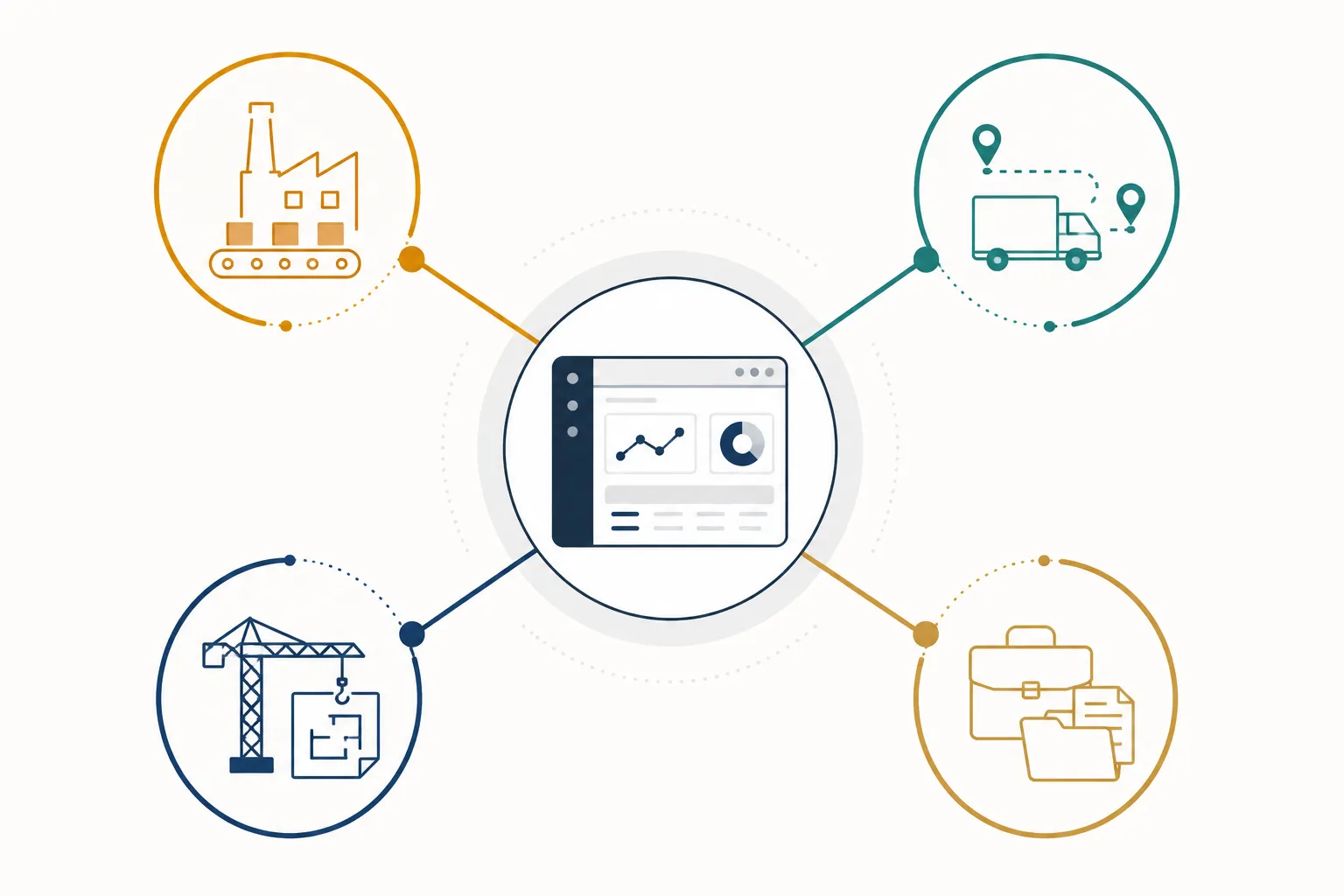
Most CRM comparison content treats “SMB” as one audience. It isn’t. The workflow gap between a manufacturer and a professional services firm is enormous, and it’s usually the real reason a company starts evaluating custom development.
| Industry | Where Generic CRM Breaks | What Custom CRM Solves |
|---|---|---|
| Manufacturing | Assumes a simple sales pipeline, ignores production planning, BOM management, and shop-floor data | Production-linked pipelines, ERP/MES integration, defect and order-status tracking |
| Engineering firms | Treats every opportunity as identical, no support for document control or multi-stage technical review | Project-scoped pipelines, document versioning, integration with project management tools |
| Logistics | Built around static “deals” instead of dynamic shipments and routes | Shipment-native objects, real-time status, integration with TMS/WMS and tracking APIs |
| Wholesale distribution | Weak support for tiered pricing, credit limits, and stock-sensitive selling | Pricing engines, credit workflows, live inventory and accounting integration |
| Construction | Assumes one-step deal closing, no model for subcontractors or change orders | Multi-party opportunity structures, RFQ tracking, subcontractor database |
| Professional services | Doesn’t map to retainers, matters, or engagement lifecycles | Matter-level pipelines, billing/time-tracking integration, referral tracking |
The common thread: generic CRMs are built for companies that “close deals.” A lot of SMBs don’t operate that way at all, they manage ongoing production, shipments, projects, or engagements, and forcing that reality into a deal-stage pipeline is often the root cause of the adoption problems that show up 12-18 months into an off-the-shelf rollout.
 ## Why Over Half of CRM Implementations Fail
We mentioned the 55% failure rate earlier. It’s worth understanding the actual causes, because they apply just as much to custom builds as to off-the-shelf rollouts.
Based on Forrester’s research into CRM change management and broader implementation failure analysis, the dominant causes are rarely about the software itself:
- Poor change management. Teams weren’t brought into the process, so they route around the tool.
- Misaligned workflows. The CRM’s structure doesn’t match how work actually happens, so people maintain shadow spreadsheets.
- Weak governance. No clear ownership of data quality, so the system decays within months.
- Underestimated adoption effort. Leadership treats rollout as a software project instead of a process-change project.
This is precisely why implementation quality matters more than the build-vs-buy decision itself. A poorly implemented custom CRM fails for the same reasons a poorly implemented Salesforce rollout fails. Our approach treats implementation as inseparable from the build: fixed scope, defined workflows agreed upfront, and a rollout plan that accounts for adoption, not just deployment.
AI and Workflow Automation: The Deciding Factor Going Into 2027
AI is changing what “sufficient” looks like for both sides of this decision, and it’s worth factoring into a build-vs-buy call today rather than treating it as a future consideration.
Major platforms are shipping AI natively. Salesforce’s Agentforce and Data Cloud initiatives, along with HubSpot’s AI features, are pushing forecasting, lead scoring, and content generation into the core product rather than requiring custom development. If your needs are close to what these platforms assume, that’s a real point in favor of off-the-shelf, since you inherit a vendor’s AI roadmap instead of building and maintaining your own.
But that only holds if your workflow is close to what the platform assumes in the first place. For businesses with non-standard processes, generic AI features tend to underdeliver, because they’re trained and tuned around generic sales workflows. In those cases, AI automation built around your actual data model, order status logic, production data, engagement history, tends to produce meaningfully better results than a bolt-on assistant working against a mismatched schema. Industry analysis of automation frameworks suggests well-designed systems can cut manual data entry by 20-30% and materially improve forecasting accuracy, but that gain depends entirely on the underlying data structure being sound.
The practical takeaway: if you’re already leaning toward custom for workflow-fit reasons, building AI-ready data structures into that system from day one is far cheaper than retrofitting automation onto a system that wasn’t designed for it.
Our Decision Framework: Your Next CRM Step in Under 60 Minutes
 Here’s a condensed version of the framework we walk clients through during a CRM audit:
Stay off-the-shelf if:
- Your team is under roughly 15-20 CRM users
- Your sales process maps cleanly to a standard pipeline (lead → qualified → proposal → close)
- You haven’t hit meaningful integration friction with your current stack
- Your adoption problems are process-related, not platform-related
Consider a hybrid approach if:
- You’re between 15-50 users
- Most of your workflow fits the platform, but one or two processes consistently break it
- You want to validate custom development on a narrow slice before committing further
Consider a full custom build if:
- Your core workflow doesn’t resemble a standard sales pipeline (production, shipments, matters, projects)
- You’re paying enterprise-tier pricing for features that still don’t fit
- Integration with ERP, production, or compliance systems is a persistent, expensive problem
- You’re rebuilding after a failed off-the-shelf implementation and need something purpose-built the second time
If you land in the last category, the next right step isn’t a full build. It’s a scoped audit that maps your actual workflow, data flows, and integration needs before any development starts, so the cost and timeline are known quantities, not estimates.
Where This Fits Into a Broader Internal Software Strategy
CRM is usually the first internal system SMBs outgrow, but it’s rarely the last. The same workflow-mismatch pattern shows up in inventory management, quoting tools, and operational dashboards once a business scales past what generic software was designed for. We treat CRM decisions as part of a broader internal software strategy rather than an isolated purchase, because the integration architecture you build for your CRM often becomes the backbone for everything else you connect to it later.
Conclusion
Custom versus off-the-shelf CRM isn’t a philosophical debate, it’s a cost and workflow-fit calculation that changes as your business scales. Off-the-shelf is the right call for a large share of SMBs, especially early on, and we’ll tell you that directly if that’s what the numbers show. But once your workflow diverges from a generic sales pipeline, once per-seat pricing starts compounding faster than your headcount, or once you’re the client rebuilding after a failed implementation, custom development stops being a luxury and starts being the lower-risk option.
The mistake we see most often isn’t choosing the wrong platform. It’s not running the actual numbers, cost, adoption risk, and workflow fit, before renewing another annual contract or greenlighting another six-figure build.
If your team is somewhere in the middle of this decision, whether that’s a CRM that’s starting to feel like a spreadsheet with extra steps, or a workflow that never fit a generic pipeline in the first place, our internal software and business systems team can walk through the actual numbers with you before you commit to another year of the wrong tool.