Introduction
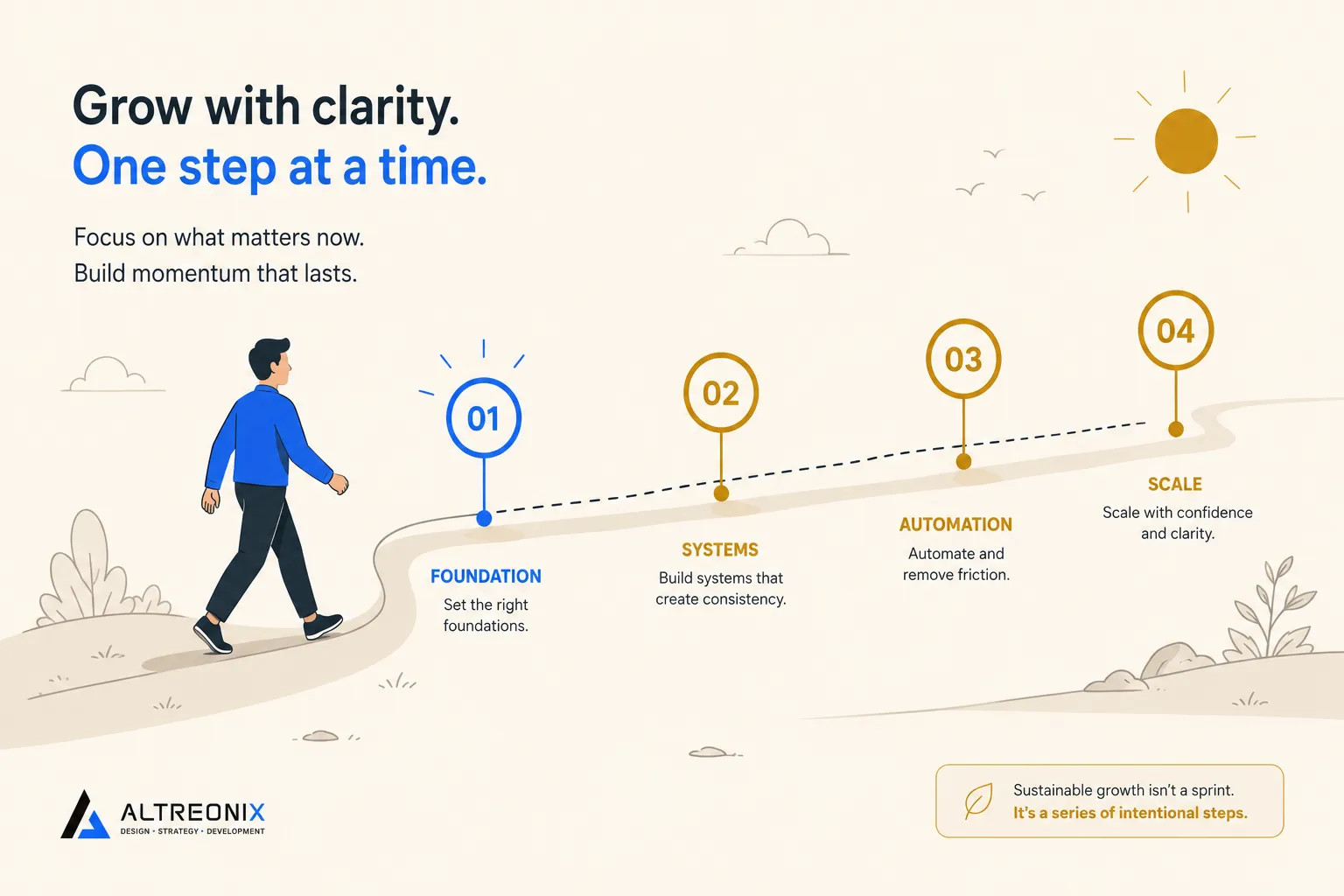
Most AI rollouts that fail don’t fail in month three. They fail in week one, when a business tries to stand up an agent across an entire department before anyone’s confirmed the thing actually works on a single workflow. That’s the “big bang” pattern behind a lot of the cancellation numbers you’ve probably seen: a large share of agentic AI projects are expected to get shelved over the next couple of years, and escalating costs and unclear business value sit right at the top of the reasons why. It’s also why, across companies of every size, most that are experimenting with agents are still stuck in pilot mode rather than running anything at real scale, not because the technology doesn’t work, but because nobody sequenced the rollout in a way that builds confidence before it demands trust.
This post is the execution plan for avoiding that. Four weeks, one workflow, a deliberate sequence from “boring and safe” to “supervised and valuable.” If you haven’t already picked which workflow to prioritize and whether it actually needs an agent or just automation, use the decision framework in our AI Agents vs Automation guide first. This plan is about how to build it once you’ve made that call, not how to make the call itself.
Before Week 1: What This Plan Assumes
This plan works best with one workflow, not five. Pick the single process where the math (frequency times minutes saved times error cost, covered in the pillar guide) is clearest, and resist the urge to run this plan across multiple workflows in parallel the first time through. You want one clean pass that builds real confidence, not four half-finished ones.
Week 1: Map the Workflow and Define Success Before You Build Anything
The most common mistake at this stage isn’t a technical one, it’s skipping straight to building. Before any tool gets touched:
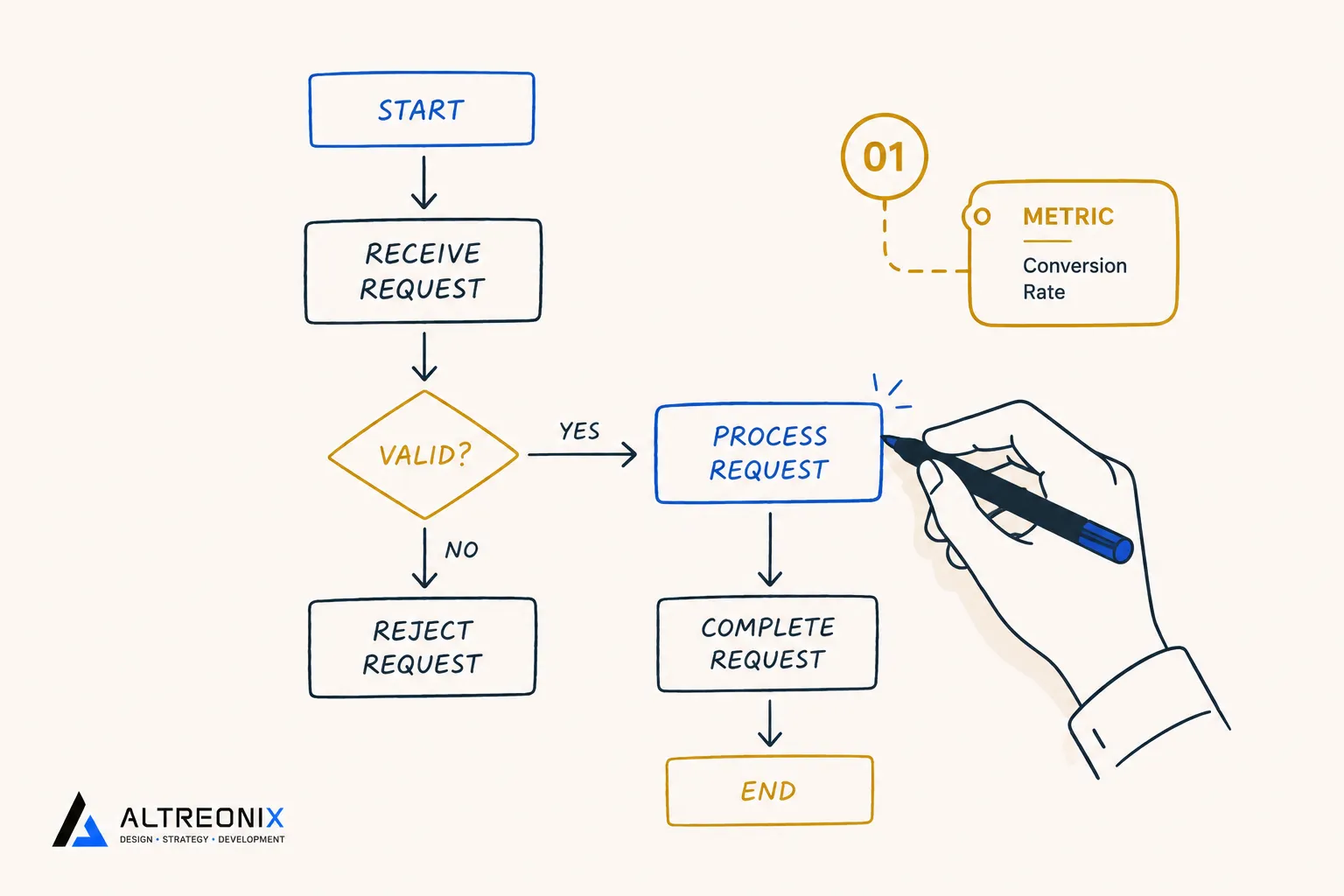
- Write down the actual current process, step by step, exactly as a human does it today. Not the idealized version, the real one, including the workarounds people currently use.
- Define the one metric that tells you this worked. Response time, error rate, hours saved per week, pick one primary metric and write down its current baseline.
- Set an acceptable error rate upfront. If you’re automating invoice matching, what’s an acceptable rate of flagged-for-review cases versus fully automated ones? Decide this before launch, not after you’re annoyed by the actual number.
- Confirm the workflow’s shape against the decision framework: is this genuinely ambiguous and judgment-heavy, or is it stable and structured? That answer determines whether Week 3 involves an agent at all, or whether you’re actually done after Week 2.
 Week 1 checklist:
- Current process documented step by step
- One success metric chosen, with a baseline number recorded
- Acceptable error/exception rate defined
- Workflow confirmed as automation-only or agent-candidate
Week 2: Build the Boring Stuff First (No Agents Yet)
This is the week to resist the temptation to jump straight to the exciting part. Get the stable, structured parts of the workflow automated first, the trigger-action pieces that don’t need any judgment at all. If new records need to move between your CRM and another tool, or a notification needs to fire on a specific event, that’s a straightforward workflow automation build, not an agent, and it should be live and stable before anything else gets added on top.
Where there’s a content-generation or categorization step involved, this is also the week to add an AI-assisted step rather than a full agent, drafting a first-pass summary, tagging a category, generating a rough reply for a human to edit. Workflow platforms increasingly support this natively now, Zapier and Make have both shipped AI steps directly inside their standard builders, which means you can get real AI leverage this week without touching agent orchestration at all. The human still reviews and sends everything at this stage. That’s deliberate. You’re building a track record of stable wins before you introduce anything that reasons on its own.
Week 2 checklist:
- Structured, trigger-action steps automated and stable
- Any content-drafting or categorization step added as an AI-assist, human-reviewed
- No autonomous decision-making live yet
- A few days of stable operation observed before moving on
Week 3: Introduce One Constrained Agent in Shadow Mode
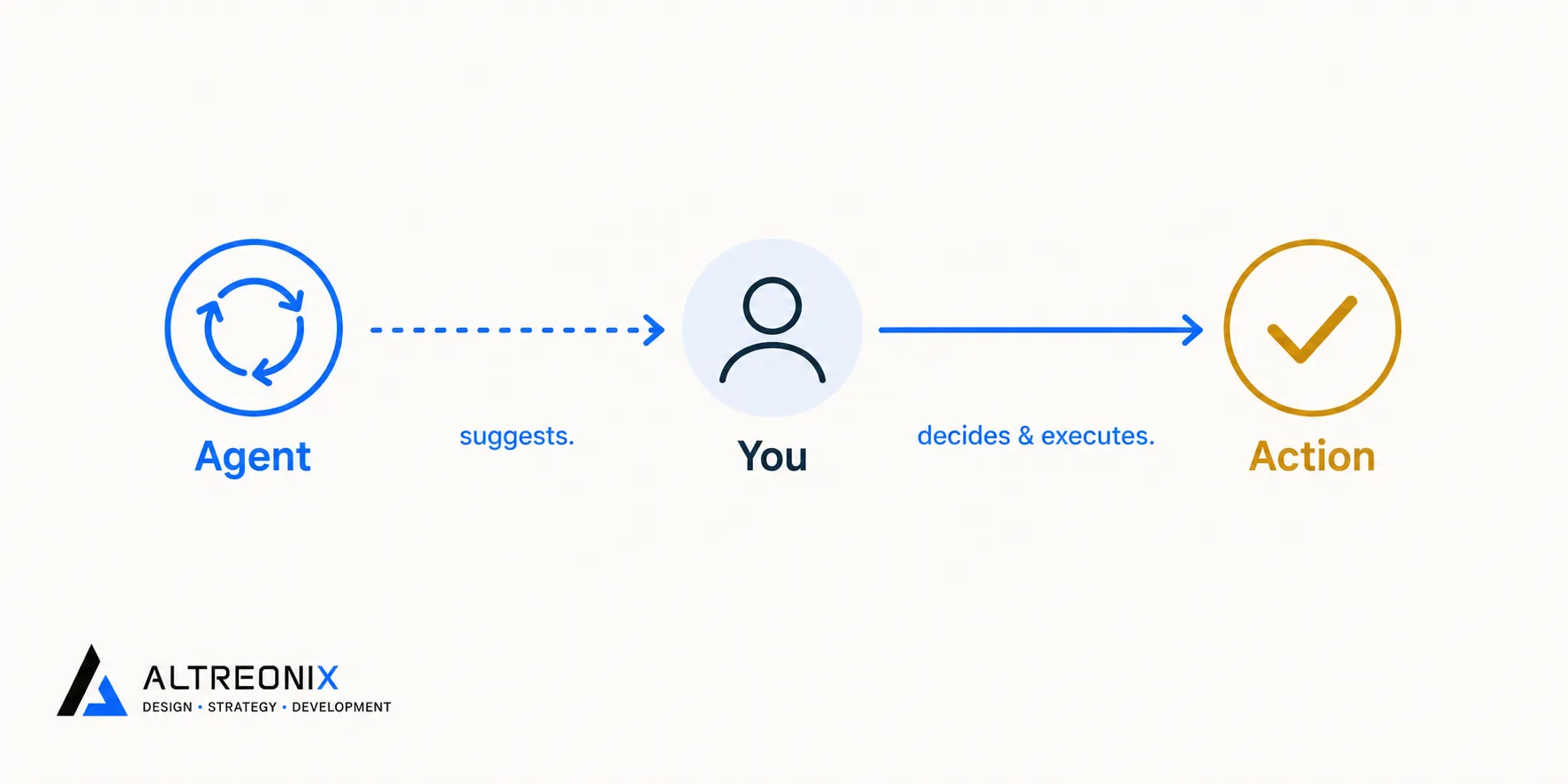
This is the week an actual agent enters the picture, but not with any live authority yet. Shadow mode means the agent runs its full reasoning loop, reads the input, plans, decides what it would do, but a human executes the action, not the agent. You’re comparing what the agent suggests against what a person actually chooses to do.
This is the same pattern behind well-documented small business deployments where an agent reads a support ticket, checks context, and drafts a suggested action for a human to approve or override, before that agent is ever trusted to act unsupervised. The value of this week isn’t the automation, it’s the data: you’re building the first version of an evaluation set, a record of real inputs and how well the agent’s suggestions actually matched good judgment.
Watch specifically for:
- How often did the agent’s suggestion match what the human would have done anyway? This is your real accuracy signal, not a demo.
- What kinds of inputs tripped it up? These become your edge cases to watch for going forward.
- Did anything it suggested cross a line you’re not comfortable automating? Note this now, it directly shapes Week 4’s guardrails.
 Week 3 checklist:
- Agent running in shadow mode, no execution authority
- Every suggestion logged alongside the human’s actual decision
- A running list of mismatches and edge cases started
- Clear read on which suggestion types were reliable versus shaky
Week 4: Move to Supervised Execution With Guardrails
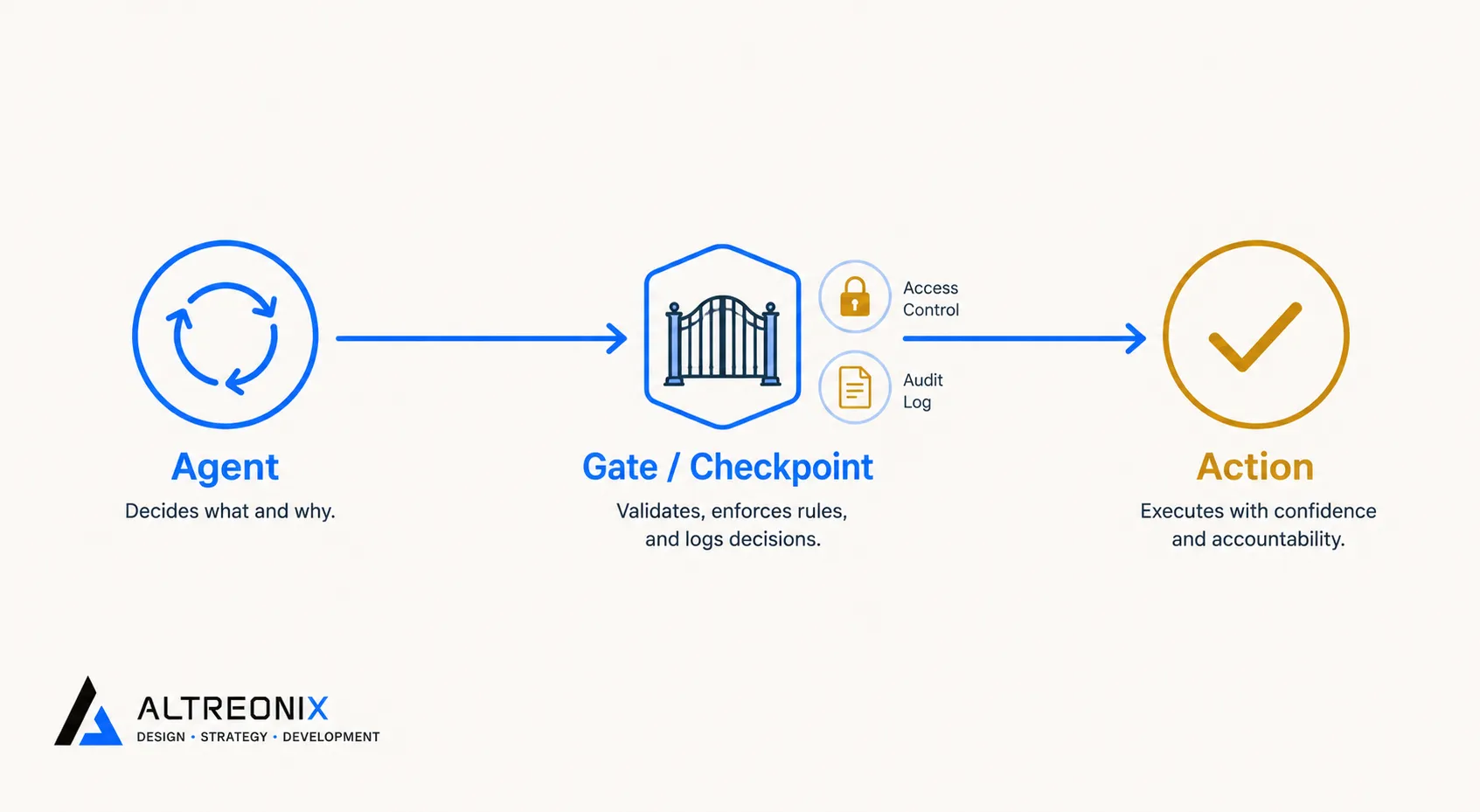
Only now does the agent get to act, and even then, with real limits. Gartner’s framing of agentic systems as goal-driven digital coworkers explicitly pairs autonomy with guardrails, not one without the other, and this is the week those guardrails actually get built, not just discussed:
- Least-privilege access. The agent’s permissions should map exactly to what Week 3 showed it handling reliably, nothing broader.
- Approval thresholds. Anything touching money, legal terms, or a customer-facing commitment still routes to a human, even now.
- Logging. Every action taken gets recorded somewhere reviewable, not just the suggestions from Week 3.
- A kill switch. One clear, fast way to shut the whole thing off if something looks wrong.
These aren’t optional extras layered on after the fact, they’re exactly the gap our traps and pitfalls guide points to as the difference between a contained mistake and an expensive one.
 Week 4 checklist:
- Permissions scoped to exactly what’s needed, nothing wider
- Approval gates defined for anything high-stakes
- Logging in place and actually being reviewed
- Kill switch tested, not just theoretical
Post-Launch: Monitoring, Iteration, and Knowing When to Scale
The plan doesn’t end at day 30, it just shifts pace. Keep a recurring check, weekly at first, monthly once things are stable, against the metric you set in Week 1. Someone specific needs to own this check, not “the team,” an actual named person.
The signal to scale to a second workflow isn’t a feeling, it’s a checklist: has the metric held steady for a few consecutive weeks, has the mismatch rate from your ongoing eval reviews stayed low, and has the kill switch gone unused because nothing’s required it? Once those are true, you’re not starting from scratch on the next workflow, you’re running the same four-week sequence with a team that’s already been through it once.
The 30-Day Plan at a Glance
| Week | Focus | Key Output |
|---|---|---|
| 1 | Map the workflow, define success | Baseline metric and documented process |
| 2 | Build automation and AI-assists | Stable, human-reviewed wins live |
| 3 | Agent in shadow mode | Suggestion log and early eval data |
| 4 | Supervised execution | Live agent with guardrails in place |
| Post-launch | Monitor and decide on scale | Owner, recurring check, scale criteria |
How We Approach This With Clients
We run this same sequence with clients, in the same order, for the same reason: trust in an agent should be earned in stages, not assumed on day one. We’re often the ones recommending clients stay in Week 2 longer than they’d like, especially when a use case turns out to be more structured than it first looked, and a workflow automation alone was actually the right stopping point. Where a genuine agent candidate exists, our AI solutions work follows exactly this shadow-mode-first sequence before anything gets real execution authority.
Where to Go From Here
Thirty days, one workflow, a deliberate build-up from boring and stable to supervised and valuable. That sequencing is the actual difference between a rollout that earns trust and one that gets quietly cancelled in month three.
If you want a second opinion on where your own workflow sits in this sequence, or help running the shadow-mode week properly, take a look at our AI solutions work, or reach out and we’ll map it out with you directly.